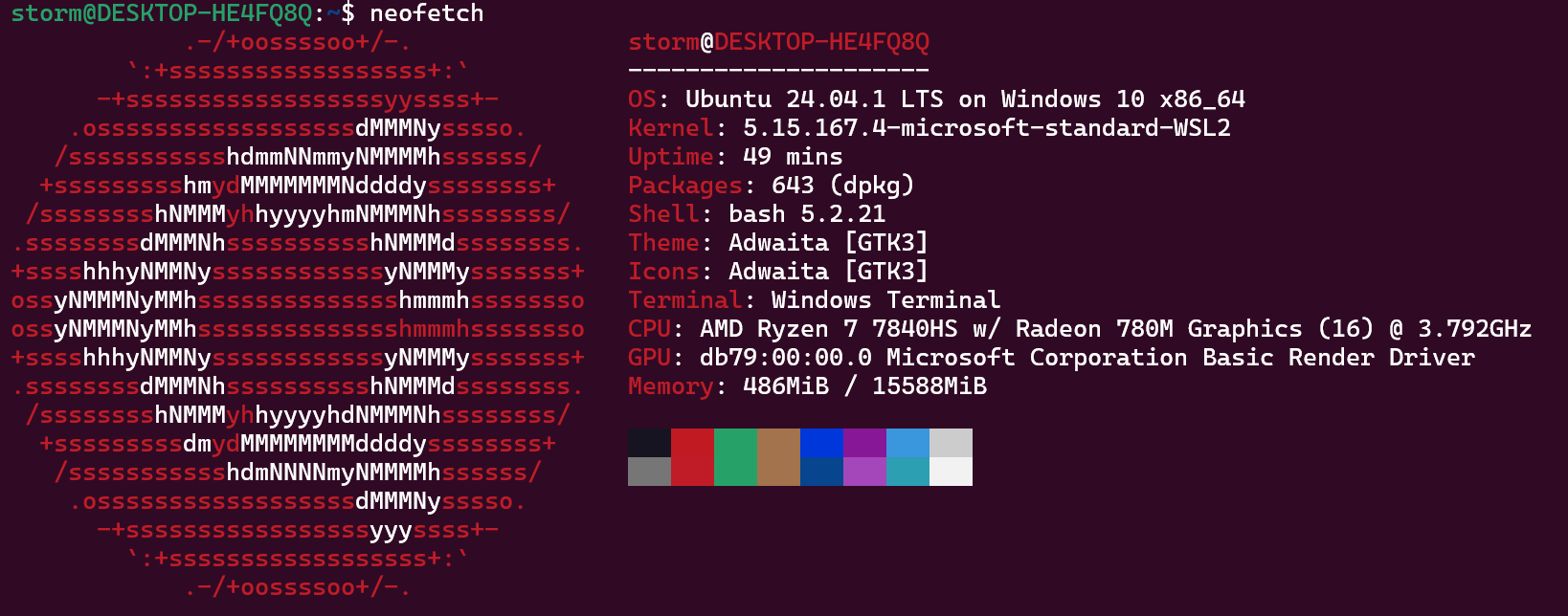
which clang #检查clang which clang++ #检查clang++ which flang #检查flang 以上三个来自于AOCC和AOCL which c #检查有没有C which c++ #检查有没有C++ sudo apt install g++ sudo apt install gcc
下载OpenMPI的稳定版本,然后解压,进入目录
1
2
3
configure CC=clang CXX=clang++ FC=flang --prefix=/xxxx #可以手动指定/xxx目录
make -j4 #以4核心编译,大小可调,比如16核处理器就改成make -j16
make install #编译安装
# For what used to be vasp.5.lib CPP_LIB = $(CPP) FC_LIB = $(FC) CC_LIB = clang CFLAGS_LIB = -O FFLAGS_LIB = -O1 FREE_LIB = $(FREE)
OBJECTS_LIB = linpack_double.o
# For the parser library CXX_PARS = clang++ LLIBS = -lstdc++
## ## Customize as of this point! Of course you may change the preceding ## part of this file as well if you like, but it should rarely be ## necessary ... ##
# When compiling on the target machine itself, change this to the # relevant target when cross-compiling for another architecture VASP_TARGET_CPU ?= -march=znver4 #7840HS belongs to ZEN4 platform FFLAGS += $(VASP_TARGET_CPU)